User flows (scenarios)
Real user journeys, clicked through automatically before anything ships.
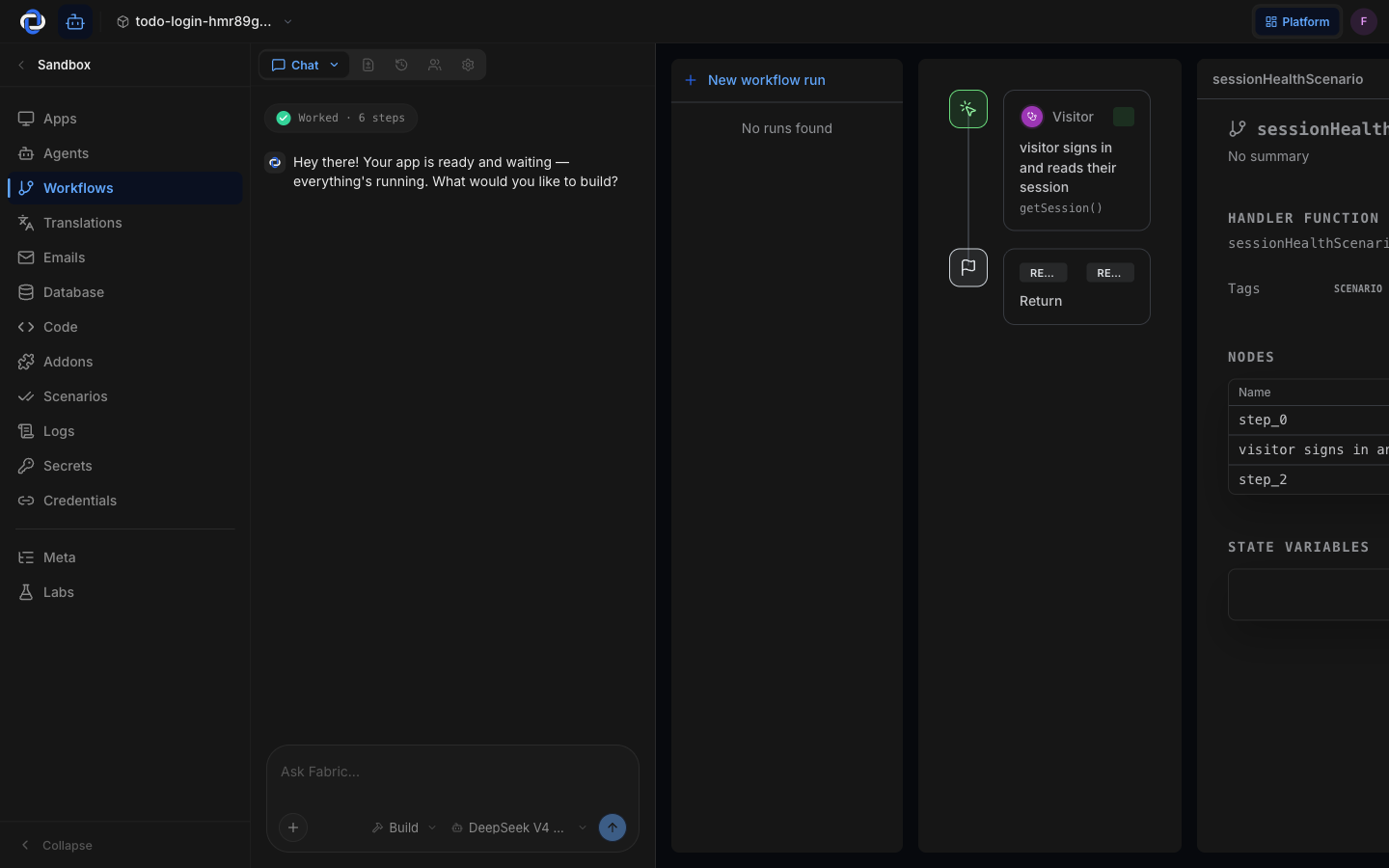
A function test checks one piece of your app. A scenario checks a whole journey — the thing a real customer actually does. "Sign up, create a project, invite a teammate, see the invite email arrive." Pikku Studio Cloud writes these journeys down as scenarios and then runs them: an automated user clicks through your real app, step by step, and every step has to succeed.
Why journeys, not just functions
Every piece of an app can pass its test while the app as a whole is still broken — the signup works, the email works, but the link in the email points to the wrong page. Only walking the journey catches that. Scenarios are how "the parts work" becomes "the product works."
Example: your scenario says a new customer signs up, adds an item to the cart, and pays. If any step of that path breaks — a button stops working, a redirect goes wrong, the confirmation never renders — the scenario fails and names the step.
Where they come from
When you describe what your product should do, Pikku Studio Cloud writes the scenarios along with the code — they're the plain-language record of how your app is supposed to behave. You can read them like a story, and ask for new ones in chat: "add a scenario where a user resets their password."
They guard the door
Scenarios aren't a report you glance at — they're part of the checks that run before a deploy. If a journey your customers depend on stops working, the deploy fails before it ships, not after someone emails you. This is the heart of Pikku Studio Cloud's promise: nothing goes live until it passes.
A scenario failing is good news at the right time. It means a real customer journey broke in the sandbox — where it costs you a fix — instead of in production, where it costs you a customer.
Where to go next
- Milestones — the increments each scenario is written alongside.
- Publishing — the deliberate step that takes passing work live.
- Deployments — the pipeline scenarios run in.