Builder overview
How the AI-powered builder works and what it can do.
The Builder is where your app gets made. You talk, decisions get written down, and your app gets built one piece at a time — all inside a private copy of your project that has no route to your live app.
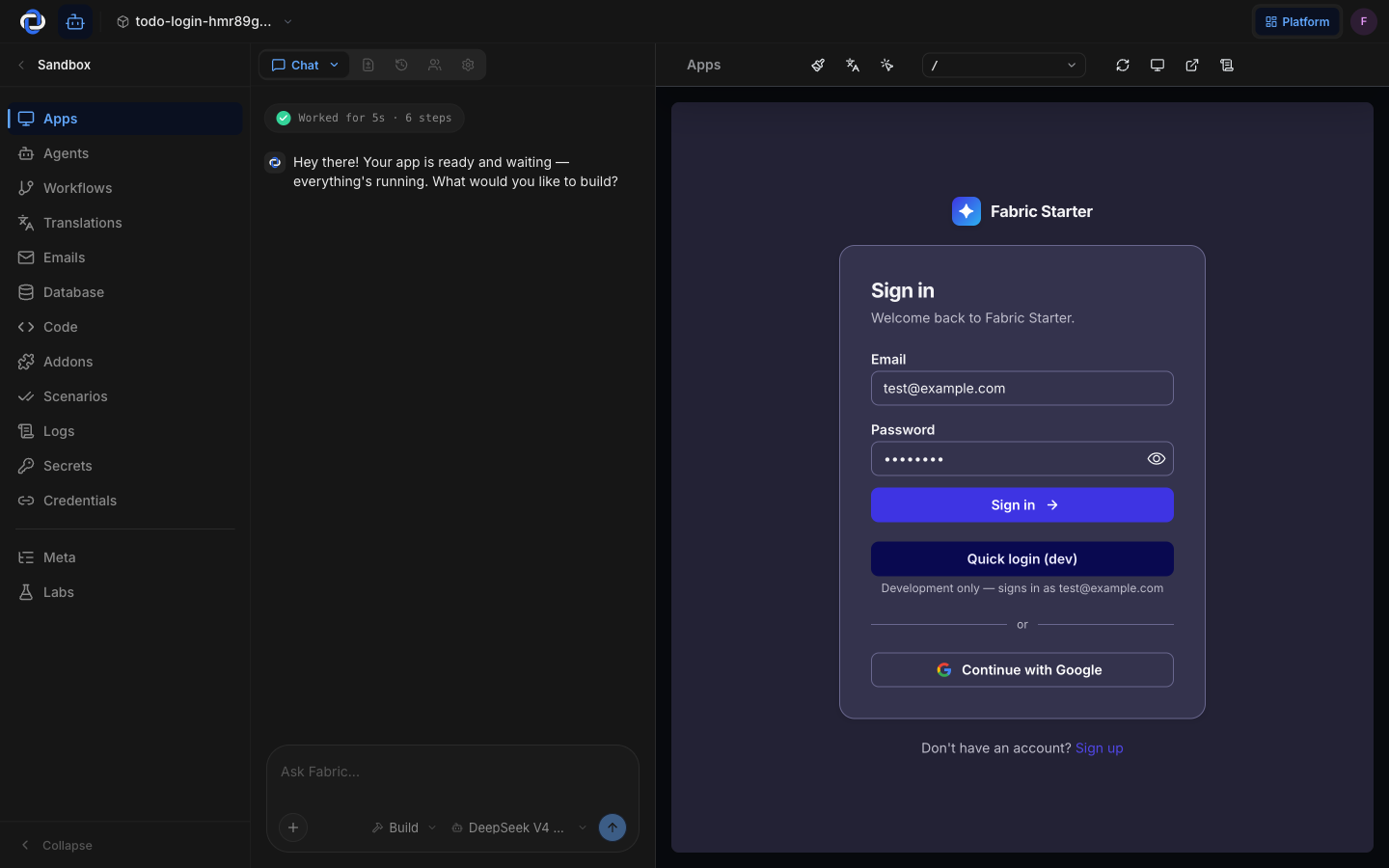
The loop
The Builder works inside a sandbox — a private, throwaway copy of your whole app, isolated just for you.
- You talk; it decides. Chat makes the calls and shows you them being made, one question at a time. Your job is to correct it, not to specify everything up front.
- Every decision gets written down. Not into a transcript that scrolls away — into a knowledge base you can read at any time. Those notes are the actual brief.
- It builds in milestones. When enough is settled for a milestone to be real, it's dispatched to the builder in the background. The conversation keeps going while it builds.
- You see the result. The Weave shows each piece landing as it's woven; the live preview shows the running app.
- Nothing reaches production from here. Putting work live is a separate, deliberate step. See Publishing.
What you can do here
- Chat. The main way you build: answer questions, change direction, ask how it's going. See Chat.
- Read the record. What your app is and why every decision was made. See Knowledge.
- Follow the build. Which pieces are proposed, building, and done. See Milestones.
- See what exists. Every function, route, workflow and agent in one live picture. See the Weave.
- Preview your live app. Watch your real frontend run inside the sandbox as you build. See App preview.
- Shape how it looks. Colours, fonts, and screen options. See Design.
- Prove it works. Whole user journeys, clicked through automatically before anything ships. See User flows (scenarios).
- Ship it. Check, commit, and deploy in one place. See Publishing.
Nothing goes live from here
This is worth repeating, because it's the thing that lets you relax: the Builder cannot change your production app on its own. It works in a sandbox, a broken experiment never reaches real customers, and putting anything live is always a separate step — one that waits for your approval unless you have deliberately turned that off for the stage. The Builder is where you shape your app safely.
Where to go next
- Chat — the main way you make changes.
- Milestones — how a conversation becomes working software.
- App preview — watch your app run while you build.
- Publishing — the separate, deliberate step that puts your changes live.