Body Knowledge
A 3D atlas for body psychotherapists
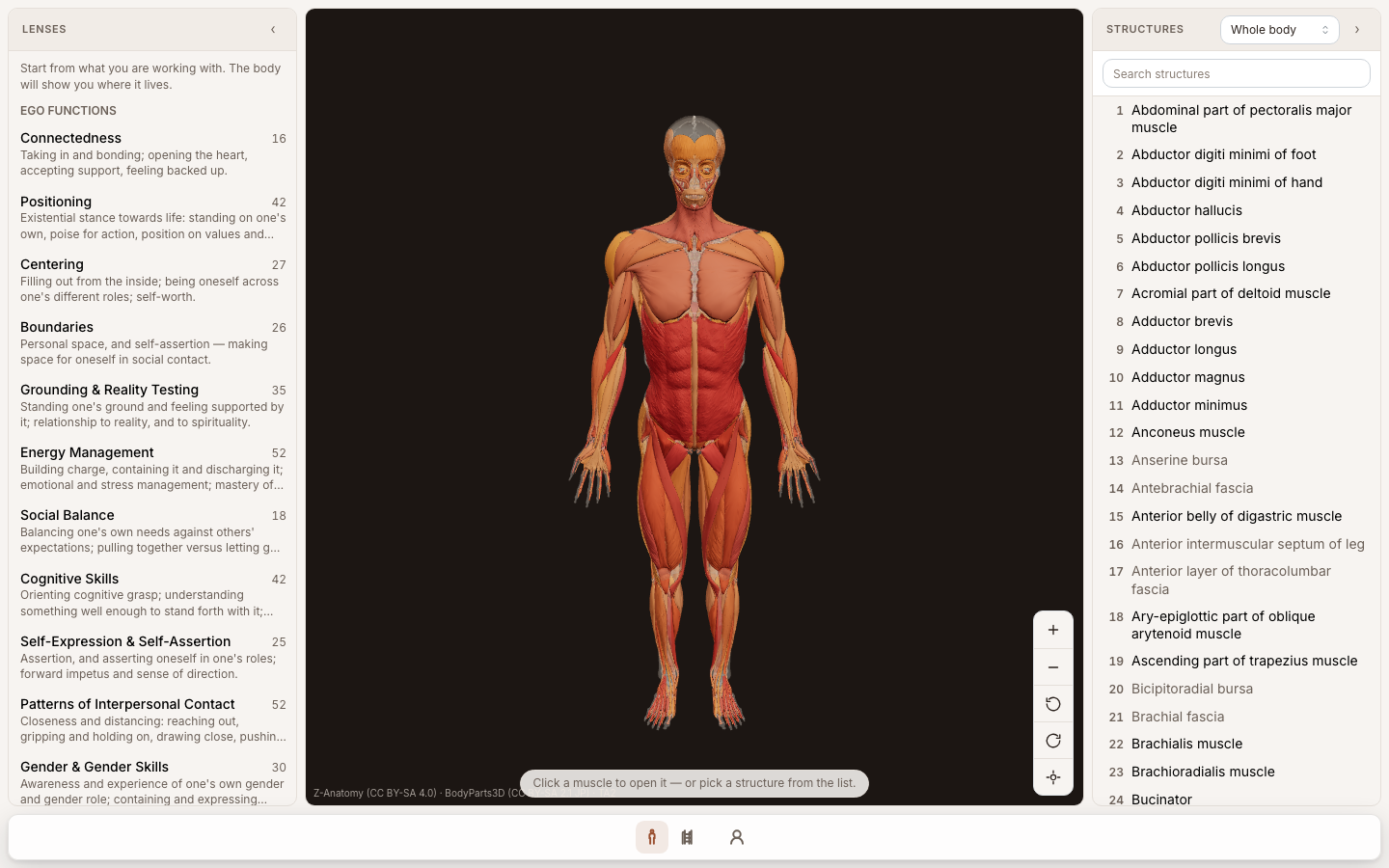
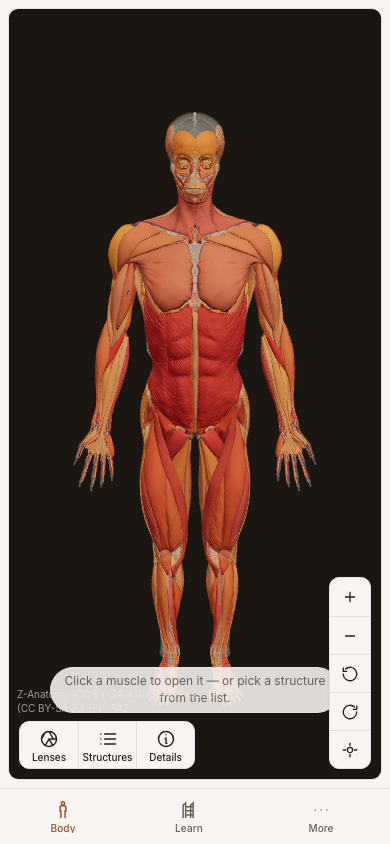
Click a muscle, read what it means. Pick a feeling, watch the body light up.
A working reference for practitioners of body-oriented psychotherapy. A full skeletal and muscular model renders in the browser; every muscle carries its psychological function, and the reverse screen resolves a developmental position or capacity back to the muscles that hold it. Practitioners keep their own notes on top and learn the mapping through short lessons on the body itself.
Built for named people, not job titles.
Before anything was built, the people who would use it were written down by name. Each one gets a real account, and every screen is clicked through as each of them before it ships.
Yasser
Practitioner
Opens it between sessions to check what a held shoulder is doing.
Rowan
Practitioner
New to the mapping, works through the lessons in order.
One milestone at a time.
This is the plan the app was built from. Each milestone is written in plain words, together with the check that proves it works.
7 milestones, 3 built, 4 planned
- 1
The body renders, and a marker selects a muscle
built
The spine — skeleton substrate, muscle geometry, and the marker layer that makes selection possible.
How we check it: A practitioner selects a deep muscle that cannot be seen
- Given 'yasser' is signed in and the body is rendered
- When they zoom to the near tier over the pelvis
- And they select the marker for psoas major
- Then the muscle name psoas major is shown as selected
- And the selection succeeds even though psoas major is occluded by other muscles
- 2
A selected muscle shows its psychological function
planned
The main thing someone does on their first visit — pick a muscle, read what it means.
How we check it: A practitioner reads both failure directions, not one
- Given 'yasser' is signed in
- And psoas major has a seeded psychological function
- When they select psoas major
- Then the capacity it serves is shown
- And the hypo-responsive expression is shown
- And the hyper-responsive expression is shown
- And the entry states where the claim came from
- 3
The reverse screen — pick a feeling, light up the body
planned
The second half of the product: developmental positions and capacities resolve to muscles on the model.
How we check it: Early and late responses light up different bodies
- Given 'yasser' is signed in and viewing the positions screen
- When they select the early response of the autonomy position
- Then the muscles associated with that response are highlighted on the model
- And the muscles not associated with it are dimmed
- When they select the late response of the autonomy position
- Then a different set of muscles is highlighted
- 4
Zoom reveals detail — region, group and muscle tiers
planned
The map behaviour proper: coarse markers far out, finer ones as you zoom, clustering in between.
How we check it: Zooming from the whole body to one muscle
- Given 'yasser' is signed in and viewing the whole body
- Then region markers are shown
- And individual muscle markers are not shown
- When they zoom in to a muscle group
- Then group markers are shown
- When they zoom in further
- Then individual muscle markers are shown
- And the legend lists the muscles currently in view
- 5
The practitioner's own notes on a muscle
planned
What makes it a working tool rather than a reference — the user's own observations, kept separate from ours.
How we check it: A practitioner's own entry supersedes the derived one
- Given 'yasser' is signed in
- And psoas major has a derived psychological function
- When they author their own entry for psoas major
- Then their entry is shown as the current one
- And the derived entry is still retrievable as superseded
- 6
Learning the mapping — short interactive lessons on the body itself
built
Turning the atlas from something you look things up in into a course you play through, Duolingo-short and Brilliant-hands-on.
How we check it: A muscle is answered by touching it
- Given 'yasser' is signed in and has started a lesson
- When they are asked which muscle carries a named capacity
- And they tap that muscle on the model
- Then the answer is marked correct
- And the muscle stays lit while its reading is shown
- 7
The ladder — from a total beginner to fluent in the mapping
built
The order the content is learned in, and the scheduling that makes it stick.
How we check it: The vocabulary comes before the muscles
- Given 'yasser' is signed in and has never studied
- When they start the course
- Then they are taught the ego functions and the developmental positions
- And no muscle step is offered yet
Your business, on its own app.
Pikku Studio is free and runs on your computer. Start from the spreadsheets, folders and chats you already have.