AWS Console Diagnostics
What is dead, exposed and broken in an AWS account
Three numbers on sign-in, every finding with the evidence behind it, and how old the answer is.
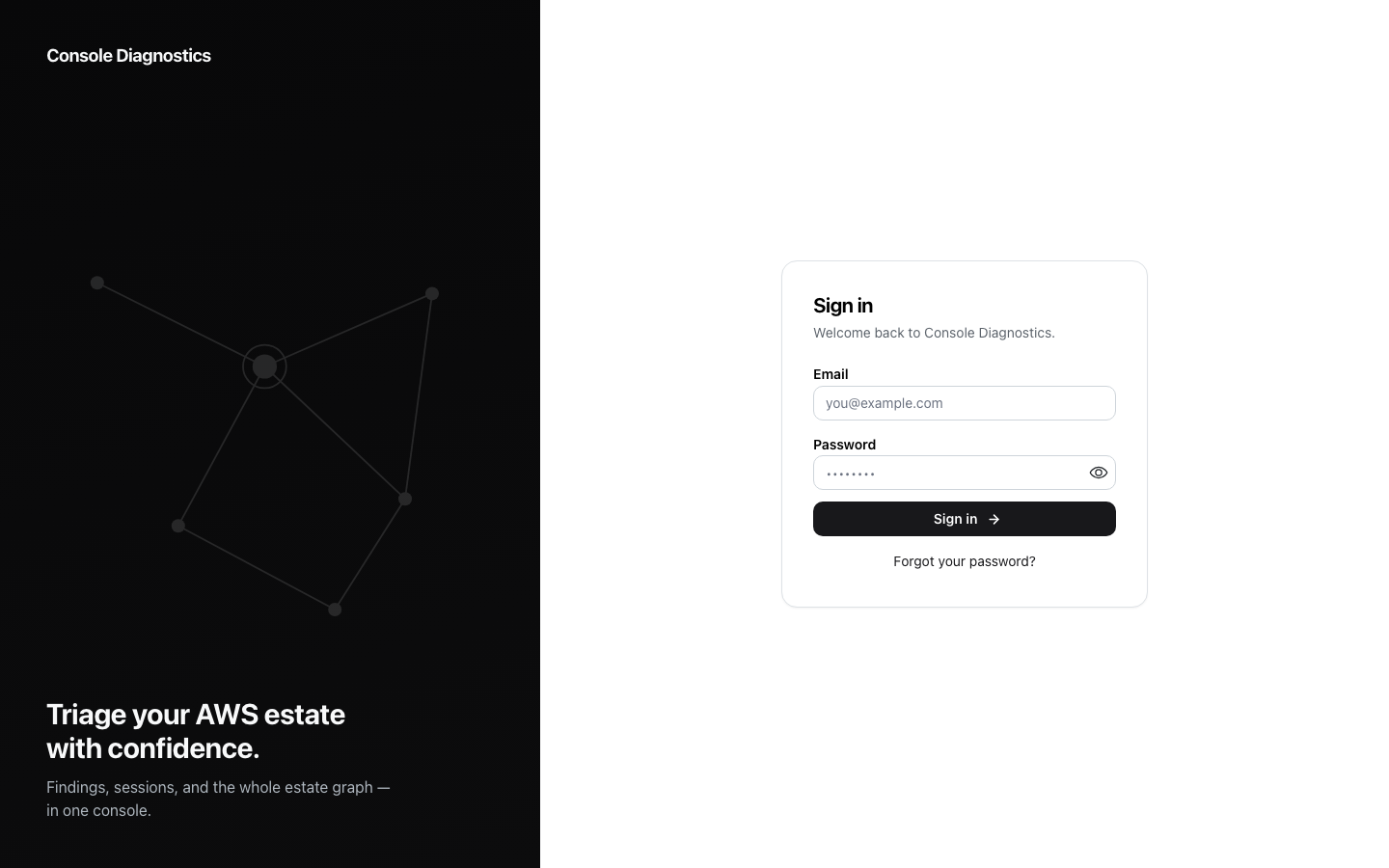
An engineering lead signs in and sees how many things in the account are dead, exposed and broken, read live from a graph of the estate. Every finding shows the observations it rests on, including the admission that nothing was measured. Triage sticks: acknowledge, dismiss with a reason, or snooze until a date, and the decision survives the next scan.
Built for named people, not job titles.
Before anything was built, the people who would use it were written down by name. Each one gets a real account, and every screen is clicked through as each of them before it ships.
Nadia
VP Engineering
Wants the three numbers and whether they moved since last month.
Omar
Staff engineer
Wants the observation behind a finding before he believes it.
One milestone at a time.
This is the plan the app was built from. Each milestone is written in plain words, together with the check that proves it works.
4 milestones, 4 built
- 1
The three sections
built
Sign in and see how many things are dead, exposed and broken — read live from the graph.
How we check it: The estate is summarised in three numbers
- Given the graph holds resources that are dead, exposed and broken
- When 'lead' opens the app
- Then she sees a count for dead, a count for exposed and a count for broken
- And opening the dead count lists the dead findings
- And each finding shows the category it is in and how confident the tool is
- 2
A finding and how we know
built
Every finding shows the observations behind it, including that nothing was measured.
How we check it: A verdict comes with its reasons
- Given a dead finding with a measured size and a measured usage count
- When 'lead' opens that finding
- Then she sees the size and the usage count in units she recognises
- And each observation says whether it supports the finding or contradicts it
- 3
Triage a finding
built
Acknowledge, dismiss with a reason, or snooze until a date — and it sticks across scans.
How we check it: A dismissal needs a reason and then it sticks
- Given a finding 'engineer' believes is fine
- When he dismisses it with a reason
- Then it no longer appears in the default list
- And it appears when dismissed findings are shown, with his reason and his name
- 4
How old is this answer
built
The age of the graph, and its reachability, as permanent furniture on every screen.
How we check it: The age of the data is always on screen
- Given the graph was last collected some days ago
- When 'lead' opens the app
- Then she sees how long ago it was collected, without asking for it
Your business, on its own app.
Pikku Studio is free and runs on your computer. Start from the spreadsheets, folders and chats you already have.